The library
An edit here cannot break an audit in flight.
The library is the content every assessment is built from: sections, the score items inside them, the maturity description for each rating, the business impact of each gap, the service offerings behind a recommendation, and the templates that group them. Editing it changes the audits you run next, never the ones already running. Each kind of content has its own admin tab inside IT Audit, and the same rules hold whether a change comes from the screen or the API.
How it works
The three rules that make it safe to edit
Each of these prevents a specific way a shared library corrupts work that depends on it.
Assessments took a copy
Building an assessment snapshots the template it came from. That is why editing the library afterwards is safe: the audit is reading its own frozen copy, not the live rows.
Rows in use cannot be deleted
Usage is counted through the whole chain, not one level down, and it counts membership of a frozen snapshot as use – so an item nobody has scored yet still cannot be deleted out from under the audit that expects it.
System content stays system content
The rows we ship carry a key marking them as ours, and that marking cannot be edited away. Your own content sits alongside them and is entirely yours.
In the product
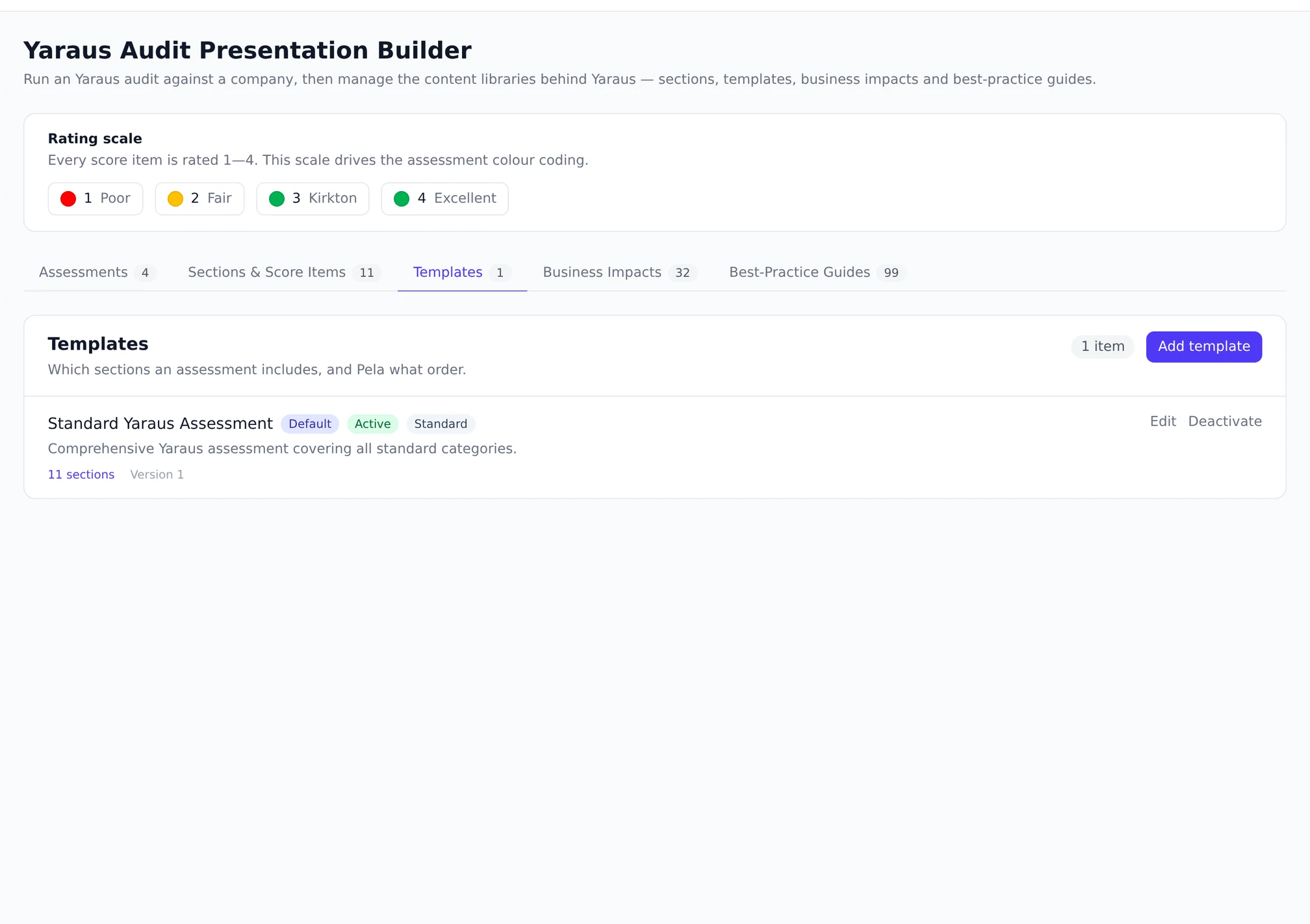
Templates, and what each one is made of.
Who it is for
For whoever owns how you assess
The library is the intellectual property behind a repeatable audit. It is worth shaping deliberately, and worth being able to shape without fear of breaking last month’s work.
- Owners standardising how every technician assesses an estate
- Service leads maintaining the description of what good looks like
- Anyone who has edited a shared template and broken a report
Related
Questions
The things people actually ask.
What happens if I edit a template an assessment is using?
Nothing, to that assessment. It snapshotted the sections and items when it was built, and it reads the snapshot. Your edit applies to assessments created afterwards, and a template can never be deleted while an assessment points at it.
How does the in-use count work?
It is a live count, run at the moment you ask, following references through the whole chain rather than one level. It is deliberately not a stored counter: a stored one drifts the first time something is deleted around it, and then the badge and the guard disagree about the same row.
Can I have more than one default template?
No – exactly one, enforced by the database rather than by a check. Swapping the default clears the incumbent first, and two people swapping at once are serialised rather than both succeeding.
Is any of this available without IT Audit?
No. The library is part of IT Audit, which is an add-on bought from the Marketplace rather than switched on in settings. Until it is installed in a workspace, none of this exists in that account.
What is actually in the library today, and what is not?
Six kinds of content, each with its own endpoint: templates, sections, score items, business impacts, maturity descriptions and service offerings. One system template ships as the default, and it is the one the guarantees above are demonstrated on. What does not ship is a populated set of your own – the shipped content is a starting point rather than an opinion about how you sell, and the interesting work is the part you add.
Where do I edit the library?
Inside IT Audit, on its library tabs: templates, sections with their score items, business impacts and service offerings, with maturity descriptions edited from a drawer. The in-use count is shown beside a template as context, and promoting a new default is its own action rather than a checkbox, so the one-default rule cannot be broken from the form.
Read the shipped template before you write your own.
Most of an assessment library is the same everywhere. The parts that are not are the ones worth your attention.