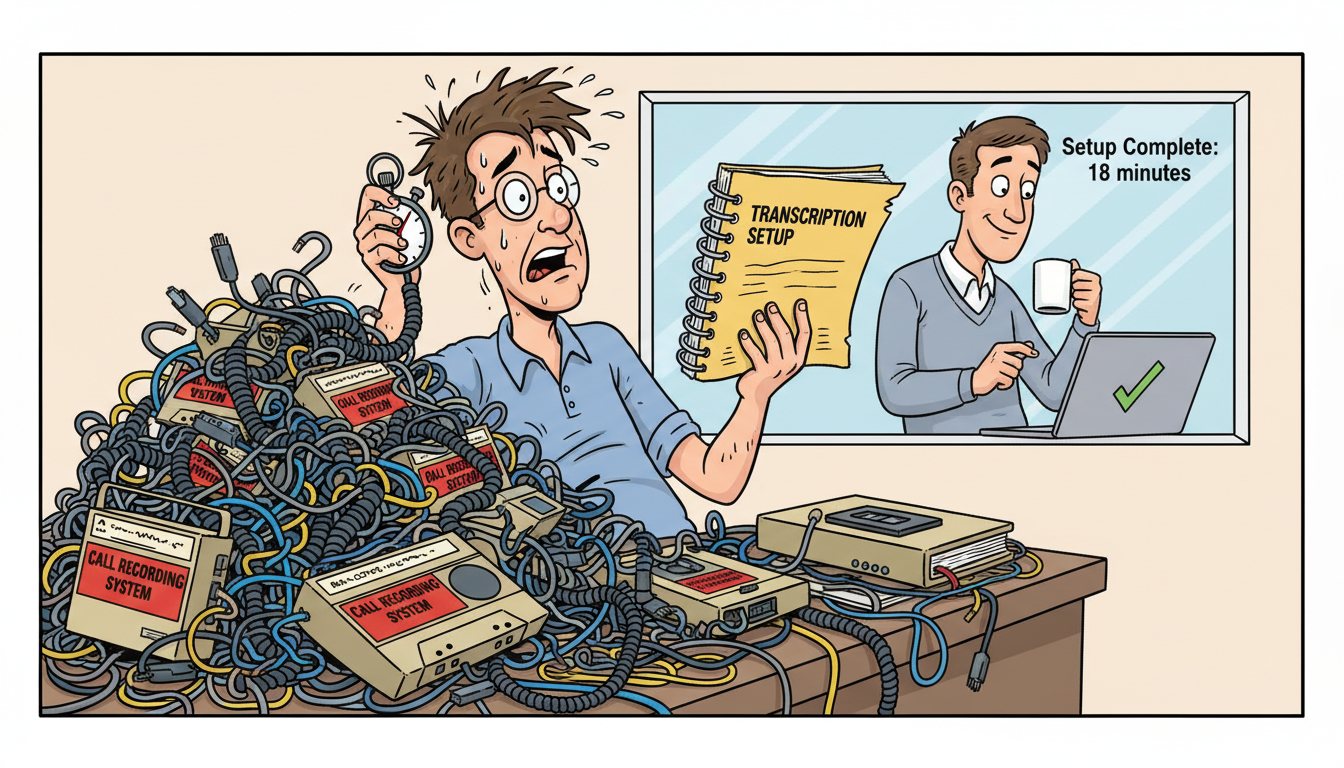
Most MSPs can implement call and meeting recording with transcription in 1-3 hours for basic deployment, with full team onboarding and integration taking 1-2 business days. The timeline depends on your existing tech stack, the number of users, and whether you need custom integrations with PSA tools like ConnectWise or Autotask. Single-user proof-of-concept deployments can be live in under 30 minutes.
What determines how fast you can deploy recording and transcription?
The speed of deployment hinges on three factors: your authentication method, the complexity of your existing CRM or PSA integrations, and how many users need access on day one.
Single sign-on through Google Workspace or Microsoft 365 cuts setup time to minutes per user. Manual account creation and permission assignment adds 10-15 minutes per person. For a 12-person MSP, that’s the difference between a 20-minute rollout and a three-hour project.
PSA integration is where most MSPs hit friction. If you need recorded calls automatically logged as activities in ConnectWise Manage or synced to Autotask tickets, expect an additional 2-4 hours for API configuration and field mapping. Contact and company data sync requires mapping your PSA’s client records to the CRM’s structure, which takes longer the first time but runs automatically afterward.
Recording consent protocols add time if you operate in two-party consent states or serve clients in California, Florida, or other jurisdictions with strict recording laws. Utah is a one-party consent state, but if your MSP serves multi-state clients, you need consent workflows configured before going live. That’s an extra 30-60 minutes of setup to avoid legal exposure.
Most MSPs go live with core recording in the first session and layer in advanced features over the following week.
How long does it take to record and transcribe your first call?
Recording starts the moment you connect your phone system or join a meeting through the platform. Transcription typically completes within 2-5 minutes after the call ends, depending on call length and audio quality.
For MSPs using VoIP systems, integration with SIP trunks or hosted PBX platforms takes 15-45 minutes depending on your provider’s API documentation. Once connected, every inbound and outbound call records automatically with no user action required.
Meeting recording through calendar integration is faster. Connect your Google Calendar or Outlook, and the system joins scheduled meetings automatically, recording and transcribing without requiring participants to remember to hit a button. First meeting recording works within minutes of calendar sync.
AI analysis of transcripts runs in real time during the call for live coaching and within seconds of call completion for post-call insights. You can search transcripts for specific phrases – like “opening a second location” or “budget concerns” – immediately after the call ends.
The transcription accuracy matters more than speed. Systems trained on MSP terminology correctly capture “VLAN configuration,” “RMM tool,” and “backup retention policy” instead of turning technical language into gibberish. Poor transcription makes the entire system useless for documenting technical sales conversations.
What’s the timeline for training your team to use the system?
Technical staff who also sell need 15-30 minutes of training to understand how their calls are recorded, where to find transcripts, and how to add manual notes. Sales-focused users need an additional 30 minutes to learn search, tagging, and how to pull up past conversations during client disputes.
The learning curve is short because the system works passively. Calls record automatically. Transcripts appear without user input. The AI surfaces commitments and action items without requiring anyone to tag or categorize manually.
Resistance comes from technicians who’ve been burned by CRMs that require 10 minutes of data entry after every call. If your system demands manual logging, adoption dies in week two. Automatic recording and transcription eliminates that friction – the system captures everything whether the user remembers to log it or not.
Training new hires is where recorded calls deliver immediate ROI. Instead of shadowing senior reps for weeks, new salespeople listen to your best calls, hear exactly how you handle price objections, and ramp in days instead of months. Deal pipeline visibility shows them which conversation patterns actually close contracts.
Most MSPs report full team adoption within one week of go-live.
How does integration with existing tools affect implementation time?
Native integrations with PSA platforms, accounting systems, and marketing automation tools add 1-4 hours to initial setup but eliminate double data entry forever. The upfront time investment pays back within the first billing cycle.
ConnectWise Manage integration requires API key generation, webhook configuration, and field mapping between the recording system and your PSA’s activity log. Budget 2-3 hours for first-time setup. Once configured, every recorded call logs automatically as a ConnectWise activity with a link to the full transcript.
Autotask integration follows a similar pattern. Map your Autotask account structure to the CRM, connect the API, and configure which call types trigger ticket creation or updates. Expect 2-4 hours depending on how customized your Autotask instance is.
Calendar integration with Google Workspace or Microsoft 365 takes 5-10 minutes. Authorize access, select which calendars to monitor, and the system joins meetings automatically. No ongoing maintenance required.
Email integration for logging correspondence alongside call transcripts adds another 10-15 minutes. Once connected, the system threads emails with related call recordings, giving you complete conversation history when a client claims you never discussed something.
Custom reporting and dashboards require additional configuration time if you need specific metrics like average call length by service type or conversion rates by lead source. Budget 1-2 hours for custom report building, though pre-built MSP dashboards work out of the box.
Integration time is a one-time cost that eliminates hours of manual data entry every week.
What’s the difference between a pilot deployment and full rollout?
Pilot deployments for one or two users take 30-60 minutes and let you test recording quality, transcription accuracy, and integration behavior before committing your entire team. Full rollout adds user provisioning time – 15 minutes per user for account setup and permissions.
Smart MSPs start with the owner and one senior technician who sells. Run the pilot for 5-10 sales calls to verify transcription handles your specific technical vocabulary and that recordings capture both sides of VoIP calls clearly. If audio quality is poor or transcription mangles key terms, you catch it before rolling out to 12 people.
Pilot phase also tests client-facing consent workflows. Make five calls with the recording disclosure active and confirm clients hear the notification and that consent is properly logged. This is critical for MSPs serving healthcare or legal clients where recording consent isn’t optional – it’s a compliance requirement.
Full rollout after a successful pilot takes 2-4 hours for a 12-person team. Provision accounts, assign permissions, configure recording rules for different user roles, and train the team in two 30-minute sessions. Stagger go-live by department if you want to avoid overwhelming your team with a single cutover day.
Phased rollout – sales team first, then technical staff, then support – spreads the training load and lets early adopters become internal champions who help later groups get up to speed faster.
Most MSPs see usable recorded call data within 24 hours of starting their pilot.
Implementation timeline comparison: pilot versus full deployment
| Deployment Phase | Timeline | User Count | What Gets Configured |
|---|---|---|---|
| Single-user proof of concept | 30-60 minutes | 1-2 users | Basic recording, calendar sync, consent notifications |
| Pilot with PSA integration | 3-4 hours | 1-2 users | ConnectWise or Autotask API, field mapping, test recordings |
| Full team rollout (no PSA) | 2-3 hours | 12 users | User provisioning, permissions, basic training |
| Full team with PSA integration | 1-2 business days | 12 users | Complete integration, custom workflows, advanced training |
| Phased rollout by department | 3-5 business days | 12+ users | Staggered deployment, role-specific configuration, ongoing support |
Why MADDOX CRM delivers the fastest implementation for MSPs
MADDOX CRM is purpose-built for teams that need recording and transcription live immediately, not after a six-week implementation project. The system records every call and meeting word for word from day one, with AI that understands MSP terminology and surfaces commitments automatically.
Where enterprise platforms require dedicated implementation consultants and multi-week onboarding, MADDOX works in hours. MSPs in Salt Lake City go live the same day they sign up, with full transcription, AI coaching, and searchable call history active before the first client QBR.
The system integrates with ConnectWise, Autotask, and other PSA tools without requiring custom development. Recorded calls log automatically as activities. Client commitments surface in support tickets so your technical team knows exactly what was promised during the sales process.
MADDOX handles two-party consent requirements for MSPs serving multi-state clients, with automatic disclosure and consent logging that keeps you compliant in California, Florida, and other strict jurisdictions. You don’t need a lawyer to configure recording rules – the system handles it.
For a 12-person MSP doing $2.1M in ARR, the difference between a three-hour implementation and a three-week project is the difference between catching this quarter’s upsell opportunities and missing them entirely. MADDOX delivers recorded, transcribed, searchable call data the day you need it, not the day a consultant finishes their billable hours.
Frequently asked questions
Can I start recording calls the same day I sign up?
Yes. Most MSPs record their first call within 30-60 minutes of account creation. Connect your phone system or calendar, configure consent notifications, and recording starts immediately. Transcription completes within 2-5 minutes after each call ends, giving you searchable records the same day you deploy.
Do I need technical staff to set up call recording integration?
No. Calendar integration with Google Workspace or Microsoft 365 takes 5-10 minutes and requires no technical expertise. VoIP integration depends on your phone system – hosted providers with API access take 15-45 minutes, while legacy PBX systems may require SIP trunk configuration that takes longer or needs vendor support.
How long does it take to integrate with ConnectWise or Autotask?
ConnectWise Manage and Autotask integration typically takes 2-4 hours for initial API configuration and field mapping. Once configured, recorded calls log automatically as activities in your PSA with links to full transcripts. The setup is one-time – ongoing sync happens automatically without user intervention or maintenance.
What happens if transcription quality is poor for technical terms?
Systems trained on MSP vocabulary correctly transcribe technical terms like “VLAN configuration,” “RMM tool,” and “backup retention policy.” If transcription mangles key terminology, the system is unusable for documenting technical sales calls. Test transcription accuracy during a pilot with 5-10 calls before full team rollout to verify quality.
How fast can new sales hires ramp using recorded calls?
New hires ramp in days instead of weeks when they can listen to your best sales calls and hear exactly how you handle objections. Instead of shadowing for a month, they absorb proven talk tracks in hours. Most MSPs report new reps making effective sales calls within 3-5 days of hire using recorded call libraries.
Can I pull up a client conversation from six months ago instantly?
Yes. Search transcripts by keyword, client name, date range, or participant. Find the exact moment a client mentioned opening a second location or expressed budget concerns. Transcripts are searchable immediately after calls end, and the system indexes every word spoken, making six-month-old conversations as accessible as yesterday’s calls.