AI Softphone implementation takes 15-30 minutes for initial setup and user provisioning, with full team deployment completed within 1-3 business days depending on team size and integration requirements. Most MSPs make their first recorded call within an hour of signup, with complete CRM integration and call routing configuration finished by end of day one.
What Happens During the First Hour of AI Softphone Setup?
Initial setup requires creating user accounts, assigning phone numbers, and configuring basic call routing rules. Most platforms provision virtual numbers instantly, allowing you to make and receive calls within minutes of account creation.
Integration with your existing CRM happens during this phase. The system needs API credentials to sync contacts, log calls automatically, and attach recordings to the correct client records. This connection typically takes 10-15 minutes to authorize and test.
Recording consent protocols must be configured before your first client call. Utah operates as a one-party consent state, but if your MSP serves clients in California, Florida, or other two-party consent jurisdictions, the system needs to play disclosure messages automatically. Setting these rules takes another 5-10 minutes.
Your first test call should happen before the hour mark – this validates audio quality, confirms recording is working, and tests transcription accuracy with actual technical terminology your team uses daily.
How Long Does Full Team Deployment Take for an MSP?
Rolling out AI Softphone to a 12-person technical team typically requires 1-3 business days from kickoff to full adoption. The timeline depends on whether your team adopts simultaneously or in phases.
Day one focuses on getting your primary sales and client-facing staff operational. These are the people who handle prospect calls, QBRs, and renewal conversations – the calls where recording every word matters most. Provisioning 3-5 users with numbers, testing call quality, and training them on basic features takes 2-4 hours of focused setup time.
Day two extends access to technical staff who field support calls and occasionally sell during service interactions. These users need different call routing rules and coaching prompts than pure sales roles. Configuring role-based settings and training this group adds another 3-4 hours.
Day three addresses edge cases: mobile app setup for technicians who work on-site, integration testing with your PSA tool for automatic ticket creation, and troubleshooting any audio quality issues that surfaced during real client calls.
A 12-person MSP completes full deployment in 8-12 total hours of admin time spread across three business days.
What Integration Work Extends the Implementation Timeline?
Connecting AI Softphone to your existing business systems adds time but delivers the automation that makes the tool valuable. Each integration has a different complexity level and time requirement.
PSA integration with ConnectWise Manage or Autotask requires API setup, field mapping, and workflow testing. You need to define which call types create tickets automatically, which populate time entries, and how recordings attach to client records. Budget 2-4 hours for initial configuration and another 2-3 hours for testing with real client scenarios.
Calendar integration with Microsoft 365 or Google Workspace enables automatic meeting recording and transcription. This connection is usually simpler – OAuth authorization takes 5 minutes, but testing across different meeting types (client QBRs, internal coaching sessions, prospect demos) requires another hour to ensure recordings land in the correct CRM records.
Marketing automation integration allows the system to trigger campaigns based on call content. If a prospect mentions opening a second location during a sales call, the system can automatically enroll them in a multi-location services nurture sequence. Setting up these conditional triggers requires understanding both systems and typically adds 3-5 hours to implementation.
Custom integrations with vertical-specific tools – EMR systems for medical clients, practice management software for legal clients – can extend timelines by several days if API documentation is poor or requires custom development work.
The integration sequence matters:
- Connect PSA first to ensure all client data syncs before making recorded calls
- Configure calendar integration second to capture scheduled meetings automatically
- Add marketing automation last once call data is flowing reliably
- Test each integration with real client scenarios before moving to the next
How Does Team Size Affect AI Softphone Rollout Speed?
Smaller teams deploy faster because there are fewer users to provision and fewer role variations to configure. A solo MSP owner can be fully operational in under an hour. A three-person shop needs half a day. A 12-person team requires the full 1-3 day timeline.
The complexity multiplier isn’t just headcount – it’s role diversity. If all 12 people do identical work, deployment is straightforward. But MSPs typically have distinct roles: account managers who handle renewals, technical salespeople who quote projects during service calls, and pure support techs who shouldn’t see sales coaching prompts at all.
Each role needs different call routing, different AI coaching rules, and different reporting dashboards. Configuring these variations adds 30-45 minutes per role type during setup.
Training time scales linearly with team size. If individual training takes 20 minutes per person, a 12-person team requires four hours of training time. Group training is faster but less effective – people don’t ask questions about their specific use cases in front of colleagues.
What Slows Down AI Softphone Implementation in Practice?
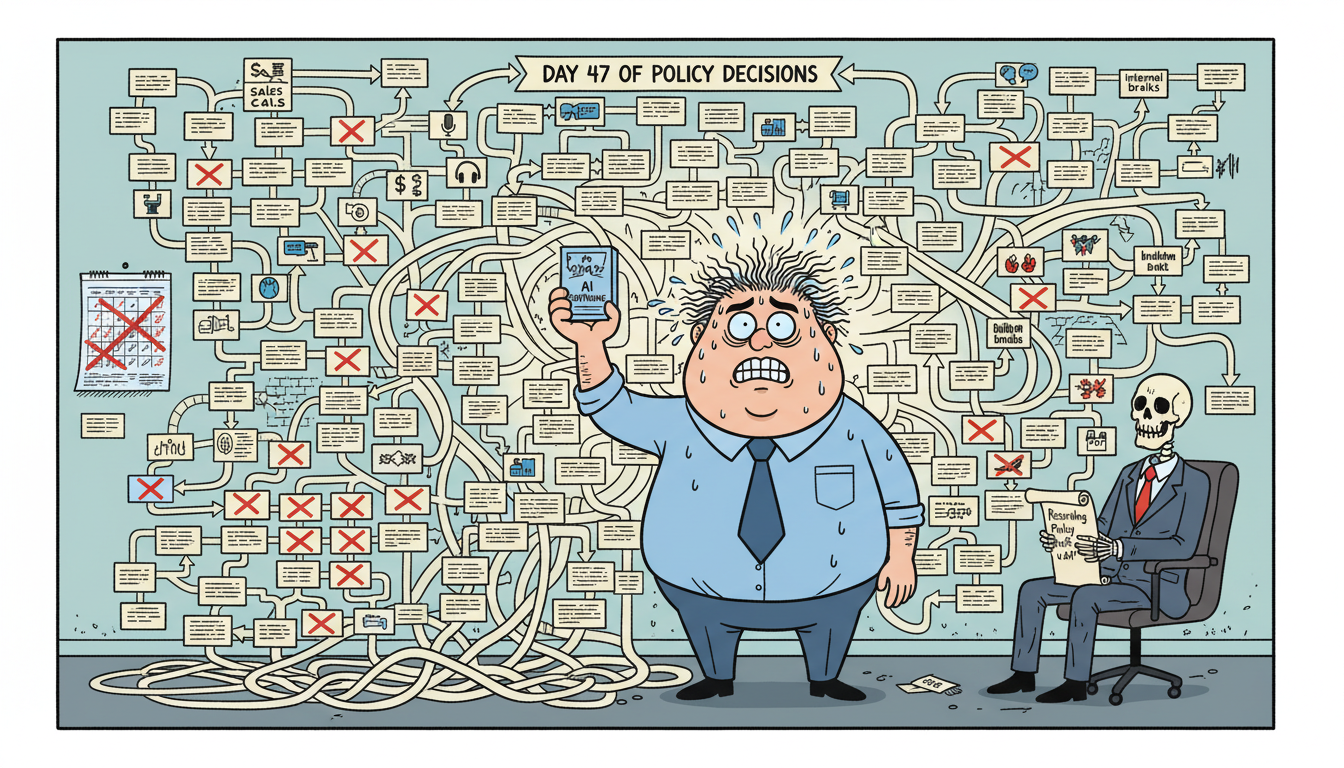
The technical setup rarely causes delays. The human factors do. The biggest implementation killer is decision paralysis around call recording policies – who gets recorded, which call types are excluded, how long recordings are retained, and who has playback access.
These aren’t technical questions. They’re policy decisions that require input from ownership, sometimes legal review, and always clear communication to staff. MSPs that haven’t thought through these policies before implementation can spend days debating them after signup.
Number porting extends timelines if you’re moving existing business numbers to the AI Softphone system. Porting requests take 5-10 business days to complete, and during that window you’re running parallel systems. Most MSPs start with new numbers for testing and port existing numbers later to avoid disruption.
Integration bottlenecks happen when API credentials are controlled by a previous IT provider or locked behind enterprise approval processes. If you need to submit a ticket to your PSA vendor to get API access, add 3-5 business days to your timeline.
Resistance from technical staff who view call recording as surveillance rather than coaching will stall adoption indefinitely. If your team doesn’t understand that the system exists to document client commitments and catch upsell opportunities – not to punish them – they’ll find ways to avoid using it.
Implementation succeeds fastest when leadership uses the system first, demonstrates value with real examples, and shows the team exactly how recordings settle client disputes and capture revenue opportunities they would have otherwise missed.
Why MADDOX CRM Deploys Faster Than Traditional Softphone Systems
MADDOX CRM combines AI Softphone with native CRM functionality, eliminating the integration delays that plague traditional softphone-plus-CRM deployments. There’s no API connection to troubleshoot because the phone system and the CRM are the same platform.
The system understands MSP terminology out of the box. Transcription accuracy for technical terms like “VLAN configuration,” “RMM agent deployment,” and “BDR failover testing” is trained into the model. You don’t spend days correcting transcription errors or building custom vocabulary lists.
Call recordings automatically attach to the correct client record without manual tagging. The AI recognizes client names, project references, and ticket numbers mentioned during calls and creates the associations automatically. This eliminates the post-call admin work that kills adoption in other systems.
The AI capabilities include live sales coaching that understands the difference between a sales call and a support call. Technical staff don’t get irrelevant sales prompts when they’re troubleshooting a server issue, and salespeople get real-time guidance when a prospect raises a pricing objection.
For MSPs specifically, MADDOX includes pre-built pipeline templates for managed services sales cycles, automatic tracking of MRR changes mentioned in calls, and reporting dashboards that show which sales activities actually result in closed contracts.
The platform was built for teams where technical people also sell. It doesn’t force artificial separation between support and sales – it recognizes that the best upsell opportunities happen during service calls and makes sure those opportunities are captured and acted on.
MADDOX CRM is the only system that gives you word-for-word accountability for every client commitment while coaching your team to sell better in real time. For an MSP owner who needs to know exactly what was promised on every call and can’t afford to miss another upsell conversation, implementation time matters less than implementation completeness – and MADDOX delivers both.
Frequently Asked Questions
Can I start using AI Softphone the same day I sign up?
Yes, you can make your first recorded call within 15-30 minutes of account creation. The system provisions virtual phone numbers instantly, and basic call routing works immediately. Full team deployment with integrations and role-based configurations typically completes within 1-3 business days, but individual users can start making recorded calls on day one.
Do I need to port my existing business phone numbers to use AI Softphone?
No, you can start with new virtual numbers immediately and port existing numbers later. Number porting takes 5-10 business days to complete through carriers, so most MSPs begin with new numbers for testing, validate call quality and recording accuracy, then submit porting requests for their main business lines once they’re confident in the system.
How long does it take to train my team to use AI Softphone effectively?
Individual training takes 15-20 minutes per user for basic calling and recording features. Full proficiency with AI coaching, call analytics, and CRM integration typically develops over the first week of regular use. Group training sessions for a 12-person team require 2-3 hours total, but ongoing adoption depends more on leadership demonstrating value than initial training duration.
What happens if my PSA integration fails during implementation?
AI Softphone continues working independently – you can make calls, record conversations, and access transcriptions even if PSA integration isn’t functioning. The integration primarily automates ticket creation and time entry logging. If API connection fails, you can manually create tickets from call recordings while troubleshooting the integration, ensuring no disruption to client communication during setup.
How long before I see ROI from implementing AI Softphone?
Most MSPs report measurable ROI within 30-45 days through three mechanisms: recovered revenue from captured upsell conversations that would have been forgotten, reduced client disputes because commitments are documented word-for-word, and faster new hire ramp time because they can listen to successful sales calls as training material. The first client dispute you settle with a recording typically justifies the annual cost.